Start here
Start with a photo.
GRNGE turns it into a black-and-white print: photocopy, stipple, halftone or dither. Then layer it in color inks, draw on it, cut out the subject, add stickers, and save it at the size you post.
Free. iPhone, iOS 17 and later. GRNGE Pro opens everything, with a free week on the yearly plan.
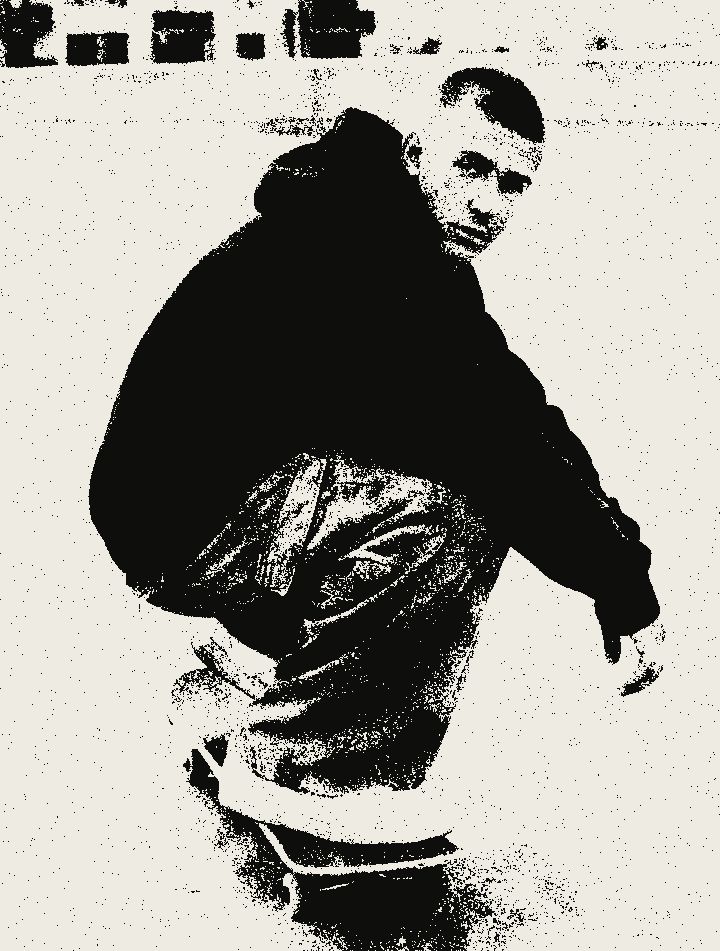
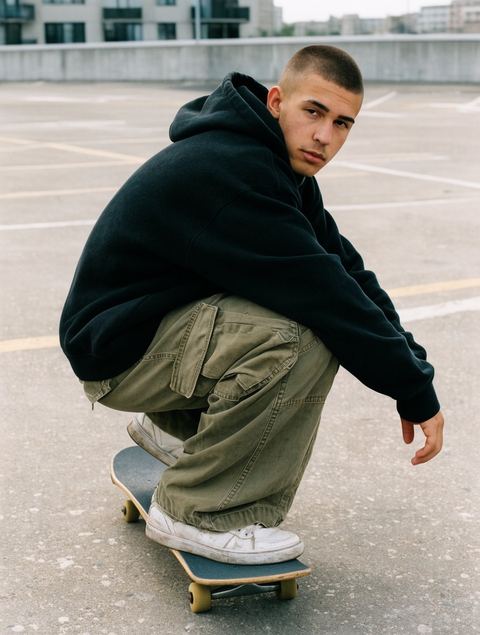
Four prints from one photo
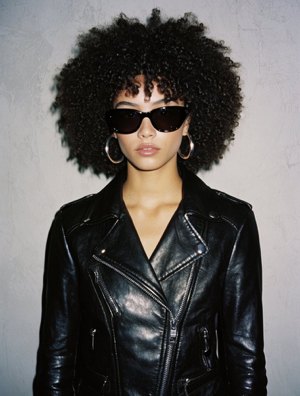
Original 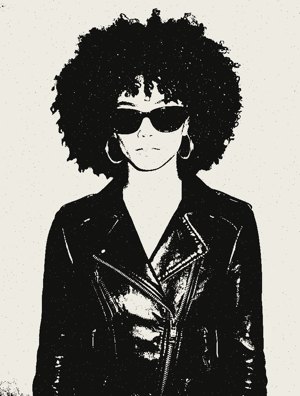
Photocopy 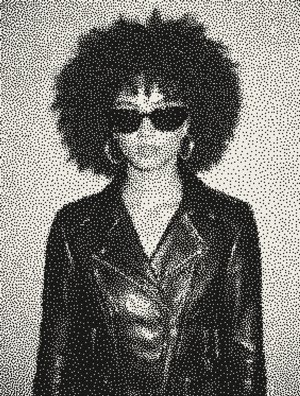
Stipple 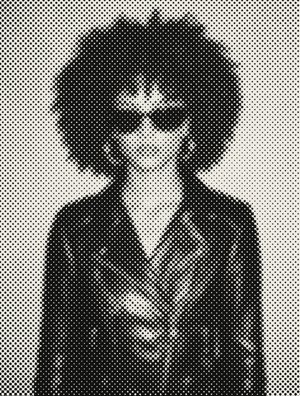
Halftone 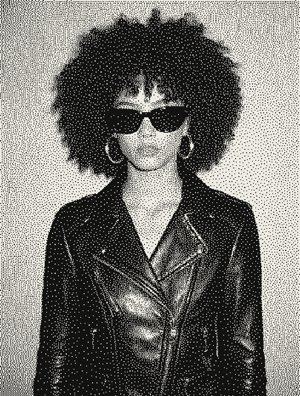
Dither
Three dials do the same thing on all four. Ink goes lighter or darker, Grit goes from clean to dirty, Wear goes from fresh to worn. Hold the picture to see the photo again.
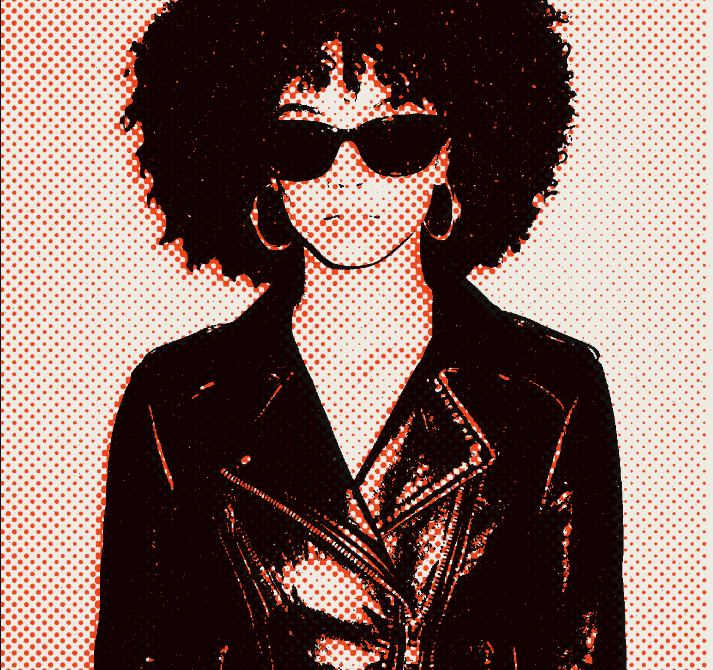
Layer it in color
Print the same photo again in orange, pink or blue and lay it over the first. Each sheet has its own effect, ink and strength. Let it show through, or shift it out of line. Recipes on the home screen set up a whole stack in one tap, and stay editable.
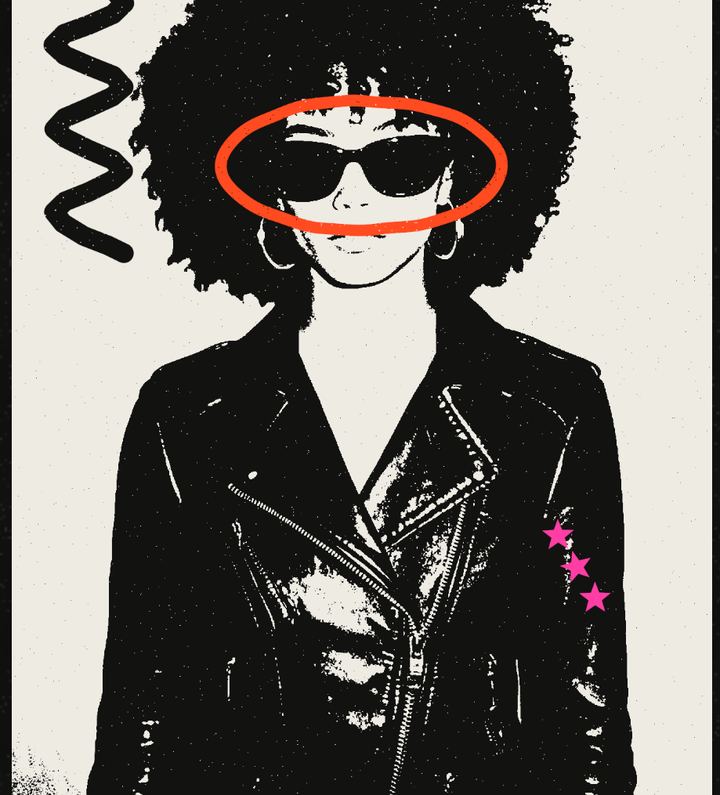
Draw on it
Marker, pen, spray, splat and stencil, in black, white, orange, pink or blue. Rough or clean. Scribbles sit on their own sheet, over or under the prints.
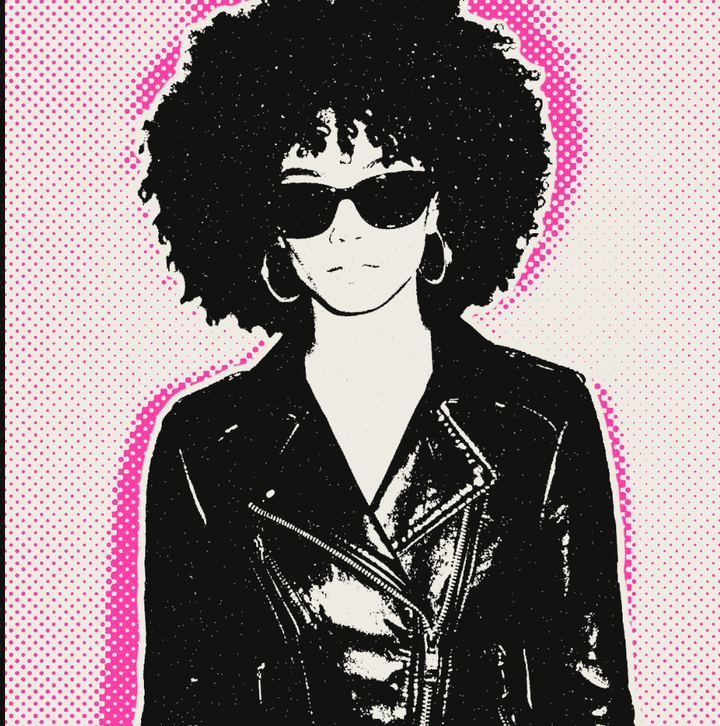
Cut out the subject
GRNGE finds the person, pet or object in the photo and cuts it out with a clean, torn or sticker edge. Drag, pinch and twist to place it.
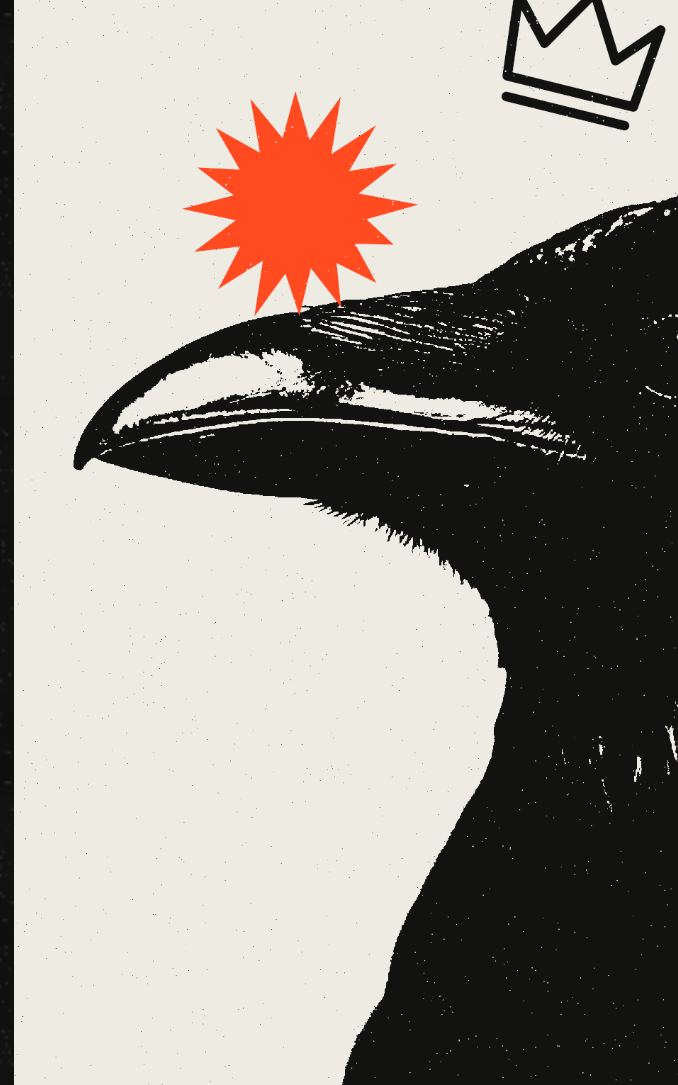
Stick things on
Bursts, stars, sparks, crowns, arrows, crosses, bolts, smileys and hearts, printed in the same inks with the same rough edge.
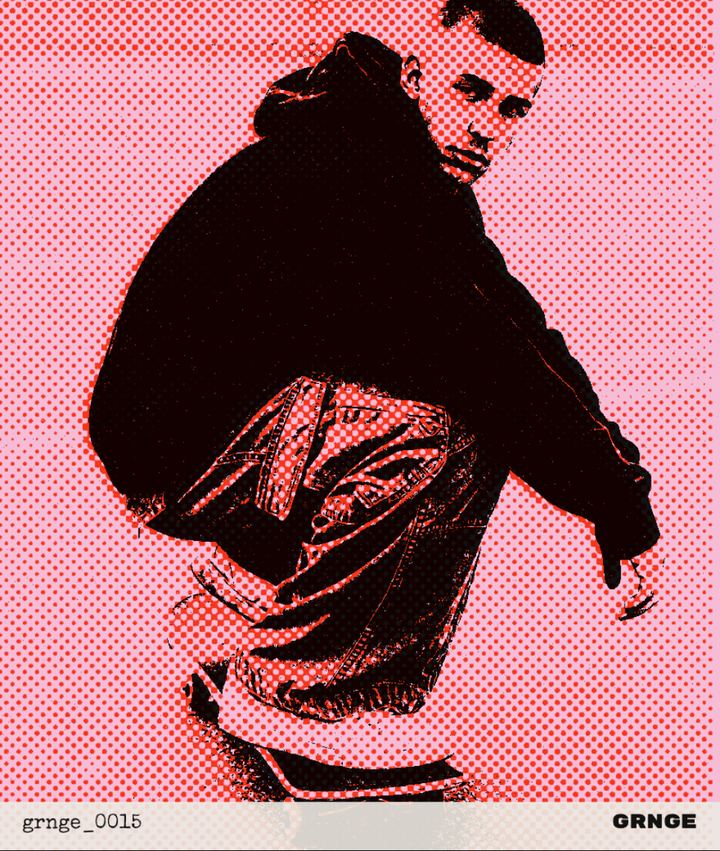
Print it
Post, story, square or A3 poster. White, newsprint, kraft, pink or orange paper, or clear paper for a PNG with no background. Print saves it to Photos. Share sends it anywhere else.
GRNGE Pro
GRNGE is free to download and free to use. GRNGE Pro opens the rest.
Free
- Photocopy and Stipple
- Ink, Grit and Wear
- Two sheets in the stack
- Marker, pen and eraser
- Burst, star and arrow stickers
- 1080 px prints with the GRNGE stamp, on white or newsprint
GRNGE Pro
- Halftone and Dither
- As many sheets as you like, in color inks, see-through and shifted
- Spray, splat and stencil
- Cut-outs and every sticker
- Every paper stock
- Full-size and A3 poster prints, stamp optional
Pro tools work in the editor, so you can try them first. When you print, subscribe or print without them. The free week is on the yearly plan. Cancel any time in your Apple account. Prices shown in US dollars; the App Store shows yours.
What it does not do
No account and nothing to sign in to. No advertising, no analytics, no tracking. The app has no network code: photos are processed on the phone and stay there unless you share them.
The privacy policy says the same at greater length, and says nothing else.
Questions
Is GRNGE free?
Yes, to download and to use. Photocopy and Stipple, two sheets, marker and pen, and 1080 px prints with the GRNGE stamp are free. GRNGE Pro opens everything else at 5.99 US dollars a month or 29.99 a year, and the yearly plan starts with a free week. Cancel any time in your Apple account.
Does it print on paper?
No. Print makes an image and saves it to Photos, sized for a post, a story, a square or an A3 poster. The paper color is part of the picture. The poster size is 300 dpi, so a print shop can print it.
Do my photos leave my phone?
No. Every effect runs on the phone, and the app has no network code. A print leaves only when you share it.
Which photos work?
Any photo from your library, or one you take in the app. Dark and flat photos are evened out before they print. Cutting out needs a clear subject: a person, a pet or an object.
Do I need an account?
No. There is nothing to sign up for. Your prints are kept in the app on your phone, and in Photos once you print them.